Headphone positional capture & visualisation
Capture the same headphone at a centred seating and at controlled forward, backward, up, and down offsets. The graph shows how much of the measured response depends on the listener–headphone geometry, rather than treating one fixture position as universal.
Why seating position matters
Worked examples: Aune SR7000 and Grell Audio OAE2
A single measurement records one seating of the headphone on one fixture. With an angled driver, a small shift of the cup moves the driver relative to the ear, and the upper mids and treble can change by several decibels while the bass barely moves. A centred capture plus forward, backward, up and down offsets shows how much of the curve belongs to the headphone and how much to the fit.
- Aune SR7000: the traces stay within about 3 dB below 1 kHz, then spread by more than 10 dB around 5 kHz.
- Grell Audio OAE2: bass and mids hold together up to 1.5 kHz, while 3–6 kHz moves with position. The same review compares the Meze Strada, a conventional closed-back whose variation is in the bass seal instead.
1. Audio input / output
2. Capture and rendering options
3. Target and preference bounds
4. Positional workflow
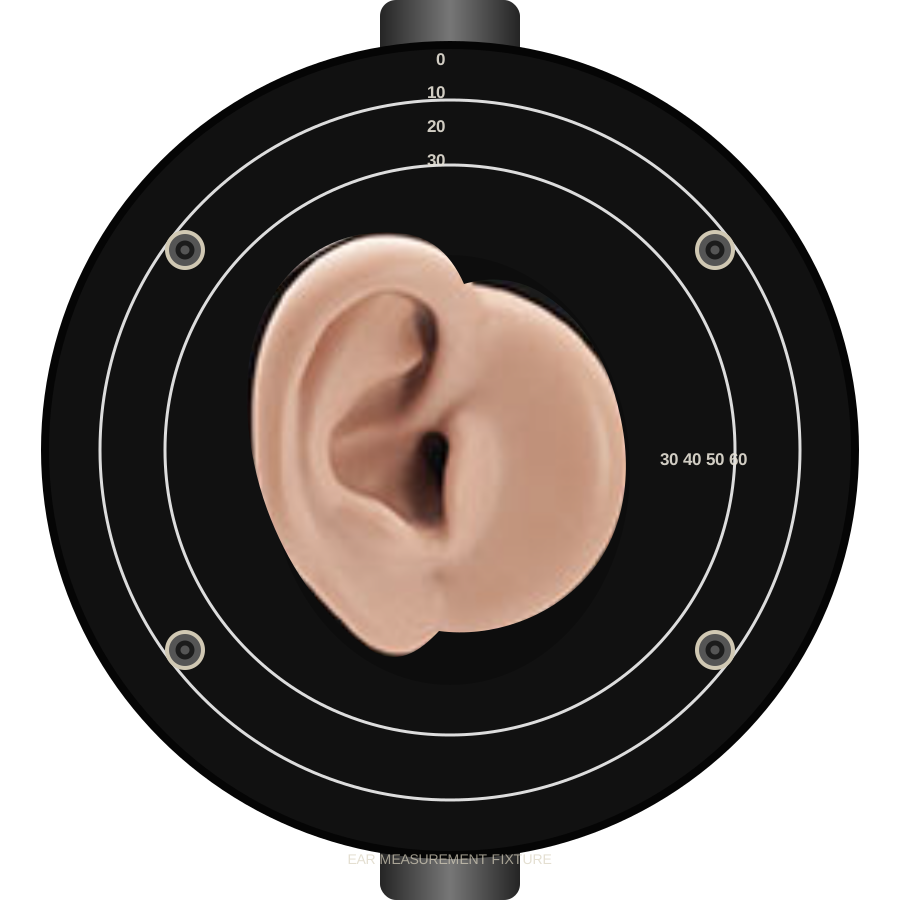
Keep the fixture, signal level, and headphone seal unchanged. For each offset, move the headphone only in the indicated direction, then let it settle before capturing. Center is averaged when the selected repeat count is complete.
Positional response
5. Export and import
- REW export writes one text file per captured position, zipped together — REW imports one measurement per file (File › Import › Import frequency response). A single capture downloads as a plain .txt.
- The project JSON keeps every captured response, calibration name, target, and capture settings. Load it again here to continue: positions in the file are added to whatever this session already has, and the file's centre counts as complete until you re-measure it.